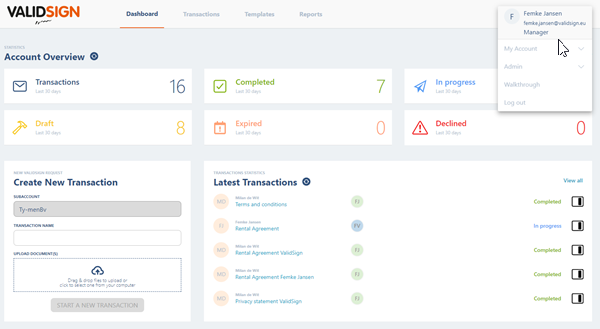
If you want to view your account information, you can do so by clicking your name in the top right of your dashboard. Next, click on 'My account'.
Then a menu appears:
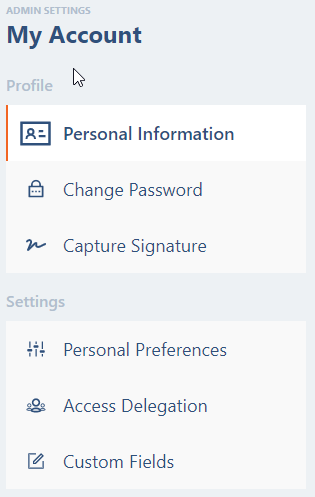
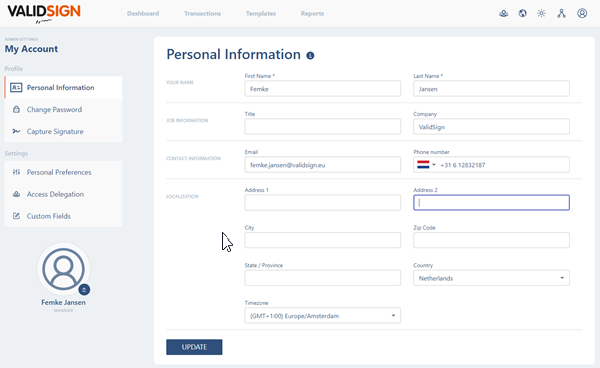
Personal information
Here you can view and possibly change your personal information, such as your name, position, organization, telephone number and address. You cannot change your e-mail address: your e-mail is uniquely linked to your account.
Password
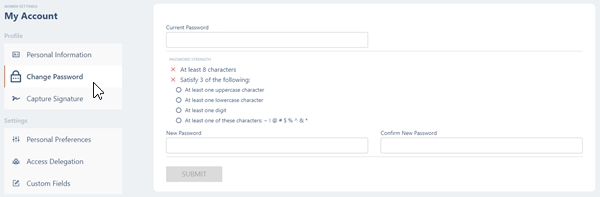
Here you can reset your password. This can be done with your current password and a new password you have chosen.
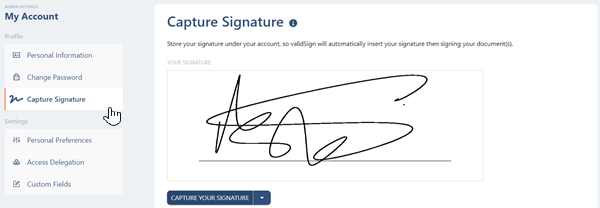
Signature
Here you can view your own signature and possibly reset it by clicking on the pen. This signature is placed when you click on a signature field for a graphic signature in a document.