
As a signer you will receive an email with a link to the document to be signed. This looks like this:
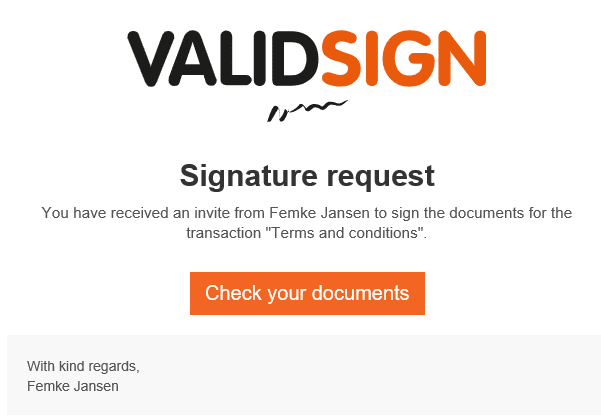
Click on the "Check the documents" button and you will be automatically forwarded to the ValidSign signing ceremony. In the screen you will see the document which you need to sign.
If you scroll further you will see the signature field. If you need to sign a document that consists of dozens of pages, you can click on the "next" button at the top right to go directly to the signing field.

To sign the document, simply click the "Sign" button.

You must then confirm the signature by clicking "Confirm".

You can choose to check and or download the transaction.
If you have a lot of signing requests, it may be easier to start signing from the dashboard.
For this you do need a ValidSign account.
Do you have questions about signing a document from your mail? Please contact us. This can be done via support@validsign.eu or 085 303 36 76.