
You can sign your documents anywhere via the ValidSign app. When you have installed the app, you can log in with your details. You will then see the following dashboard:
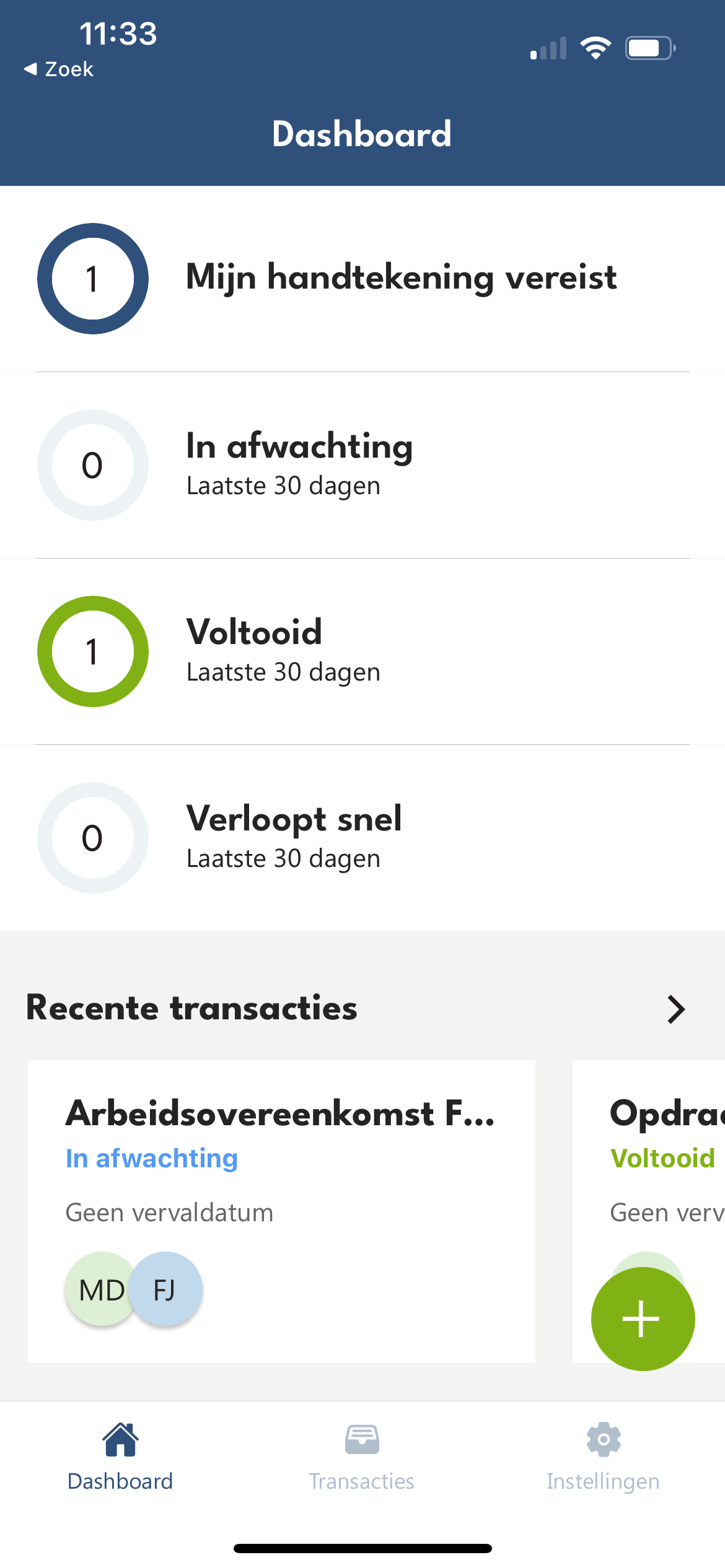
By clicking on "Requires my signature" you will see the screen with all documents that still need to be signed by you. If you have signed one transaction, you will be immediately asked to sign the next transaction.
You can click on the transaction name, which will take you to the transaction. Then click on "Sign".
Now you see the document that you need to sign. If you want to sign the document, click the "Sign" button.
In the screen video below, we show you exactly how you can sign a document via the ValidSign app.

Do you have questions about signing a document via the ValidSign app? Please contact us. This can be done via support@validsign.eu or 085 303 36 76 85.