
From your dashboard , you can easily navigate to all "In progress" transactions. If you click on one of these, you will see the screen below:

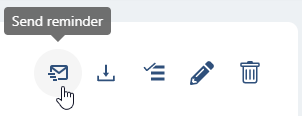
By clicking on the envelope behind a signer, this person will receive a reminder email. This email will then only be sent to this signer. If you would like to send a reminder email to all signatories, click on "Send reminder" at the top right of your screen:
It is also possible to configure an automatic reminder schedule for a transaction. When creating the transaction, you set when and how often a reminder should be sent to those who have not yet signed.
Do you have questions about sending a reminder/reminder for signing? Please contact us. You can submit a ticket via support@validsign.eu or call 085 303 36 76.