
Through ValidSign there is the option to request a document from one or more recipients. Think, for example, of a copy of an ID card or a Chamber of Commerce extract. You can read how to request an attachment like this from a recipient in this article.

When you have started a new transaction, you can add recipients after uploading the documents. Next to these signers you will see a gear. Click here for more settings per signer.
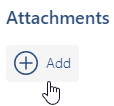
You will arrive at the screen where you can determine settings per user. Click on the "Attachments" heading to request a document from a recipient.
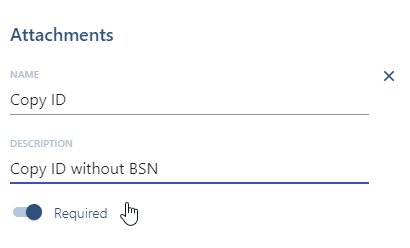
The signer must now upload an attachment.
Do you have questions about requesting an attachment from a signer? Please contact us via support@validsign.nl or 085 303 36 76.