
We offer our customers the possibility to easily archive transactions. It is possible to archive transactions per ValidSign 'sender' or to archive them at organization / department level.
The great advantage of the Archive module is that you no longer have to archive your documents per transaction. The files are prepared by us in a zip file. The zip file contains both the signed documents and the evidence summary.
The transactions disappear from your ValidSign account when your archive documents are prepared by us for download. From that moment on, you have 14 days to download the documents. After the 14 days have passed, the documents will be permanently deleted from our server.
How does it work?
Login
Go to https://archive.validsign.nl
You can log in here with your ValidSign username and password.
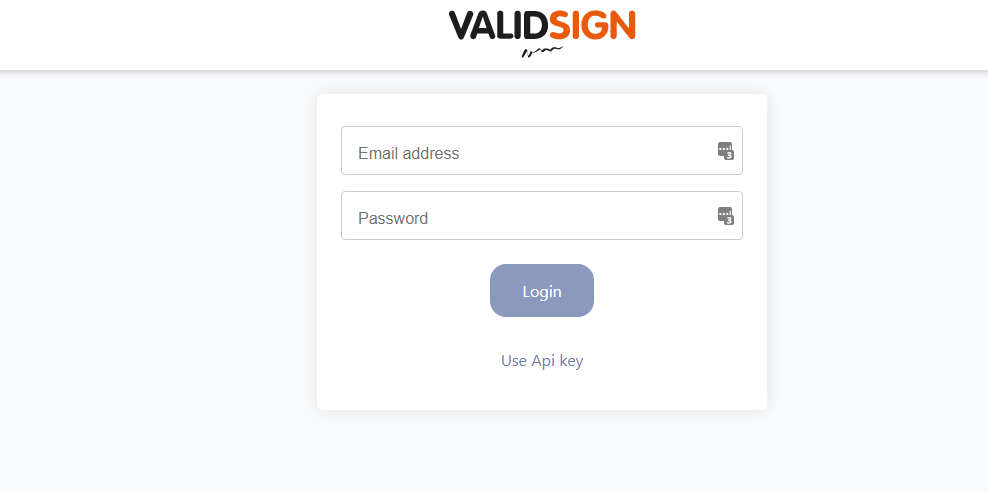
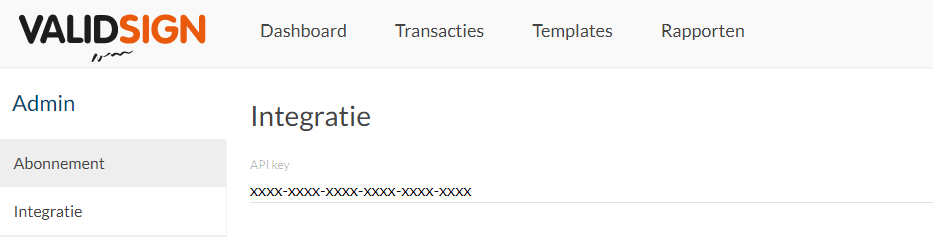
It is also possible to log in with the API-key. This is a personal code associated with your ValidSign account. Only customers with premier support can view the API-key.
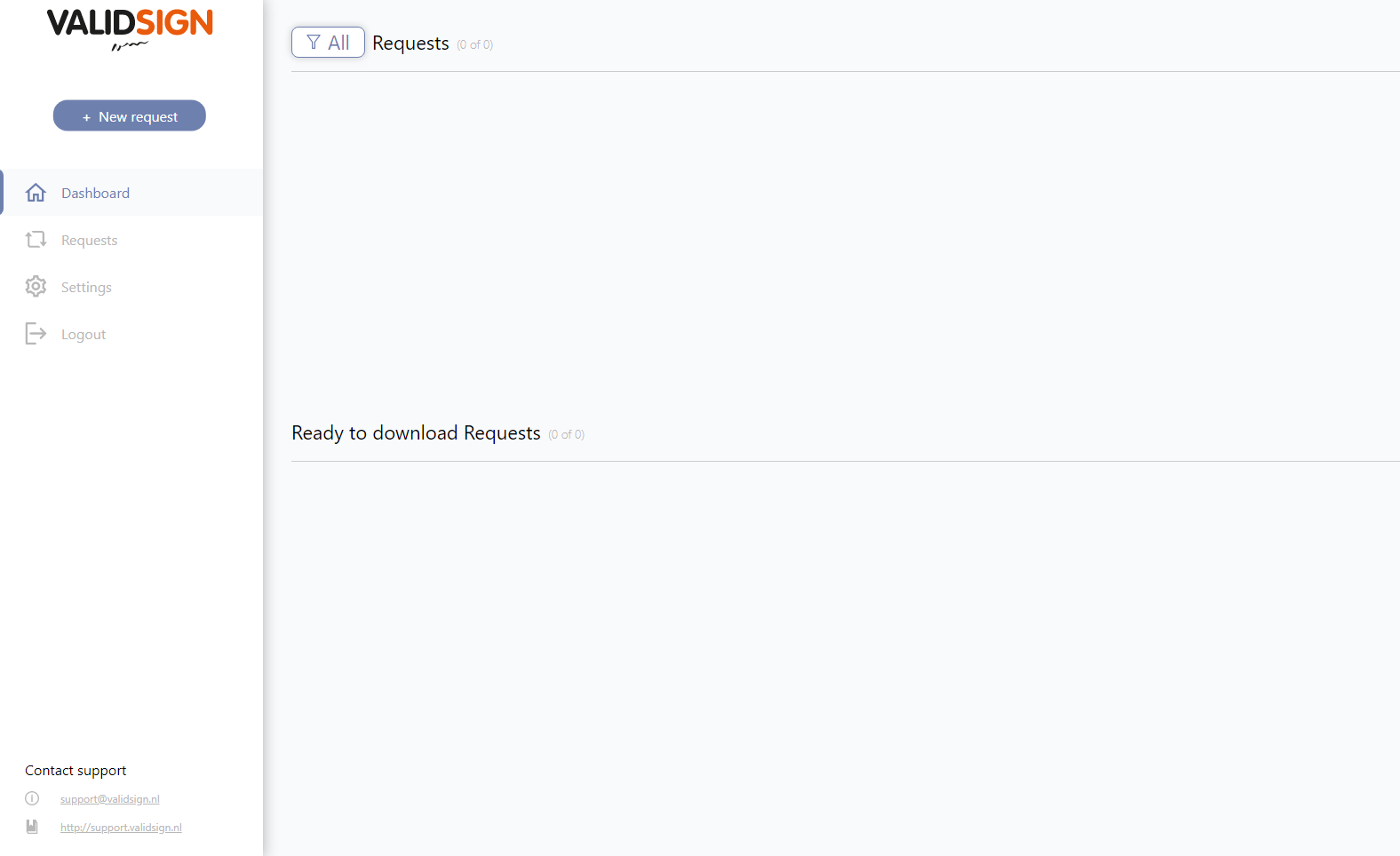
Dashboard
Requests: These are the pending, completed, downloadable and failed requests
Ready to download Request: These are the requests that have the status “ready to download”
Submit a new request
- Click on New Request
- Select the desired account and click Next
- Select the statuses to include in the archive request.
Choice: Completed, Filed, Trash, Drafts, Rejected, and Expired. - Select the period
> 30 days old
> 60 days old
All transactions with that status
Click on “next” and a summary of the requested request will be created

- In the summary of the archiving request, an overview is created with details of the various transactions (transaction name and date).
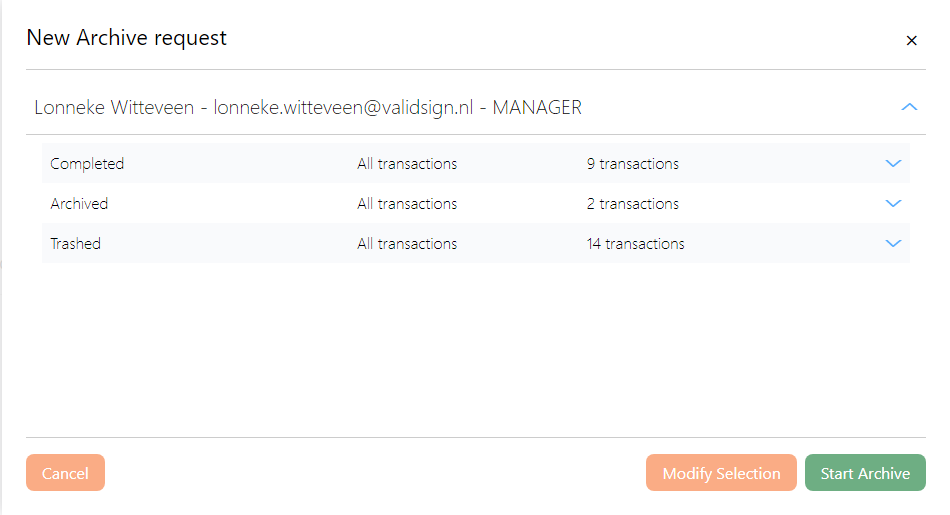
Modify selection (Modify Selection or Start archive).
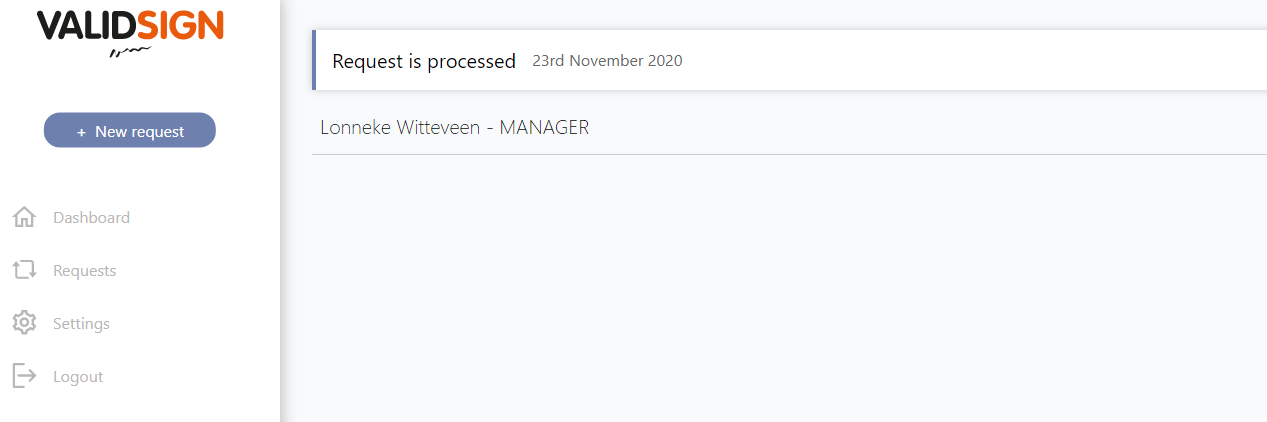
- You can monitor the status of the archiving request on the “Requests” tab
- If the archiving request has been completed, the request will be returned the following day in the dashboard at the tab Ready to download "Request". One night will pass before your request is ready.
The archived transactions are kept on the server for 14 days. The transactions disappear from your ValidSign account from the moment the archiving request is completed. From that moment on, you have 14 days to download the transactions from the Archive module. After the expiry of the 14 days, the documents will be permanently deleted from our server.
Note: The archive request must be extracted using WinRAR or 7-Zip. If you extract the request with Windows Explorer, documents may be missing from your request.