
Since the ValidSign summer release, there have been some problems with the in person signing. No pop-up is shown when a second signer has to sign. You return to the transaction overview.
It is possible to have all recipients sign with the in person signing option. When you are sent back to the transaction overview, you can click on the eye. This is the preview function of the document. When you do this, you can click on the second signer. This way you can complete the transaction. An example is shown in the screen video below:
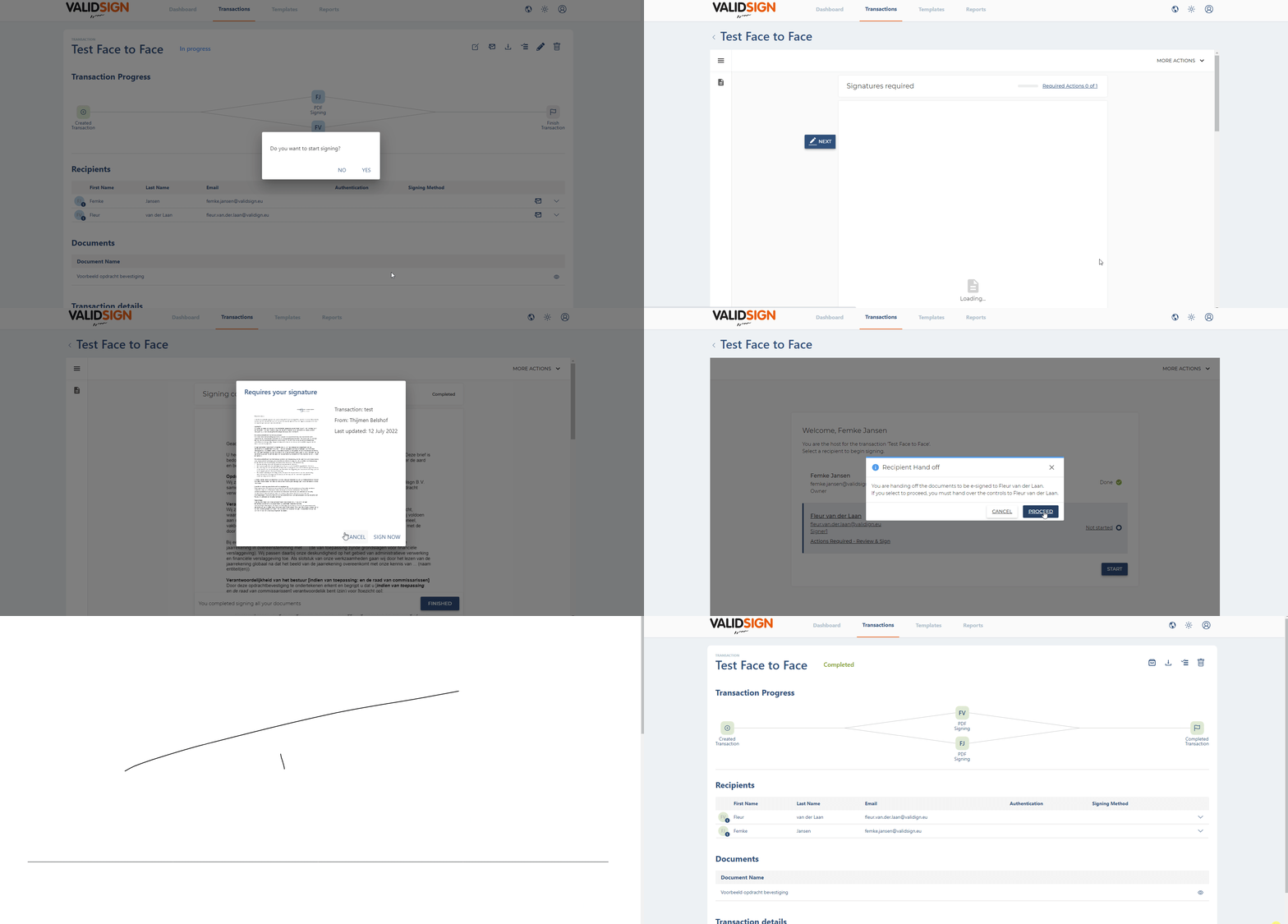
We are working on getting the in person signing signing back to normal. This is an interim solution. If you have any questions about this bug, please contact support@validsign.eu