
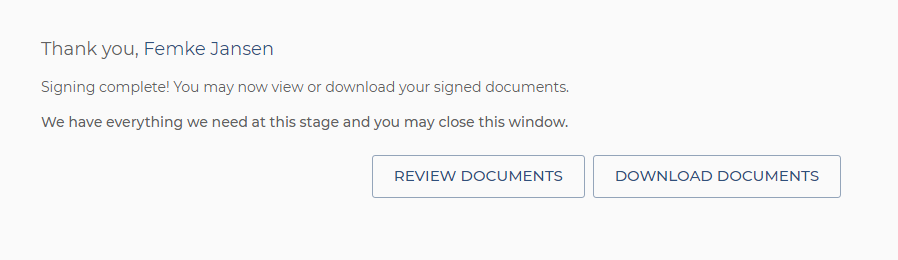
After you have signed a document from the ValidSign environment, you will immediately be given the option to download the signed document. In the example below you can see what this looks like.
You can also download the signed documents at a later time via the link in the email you receive after signing.
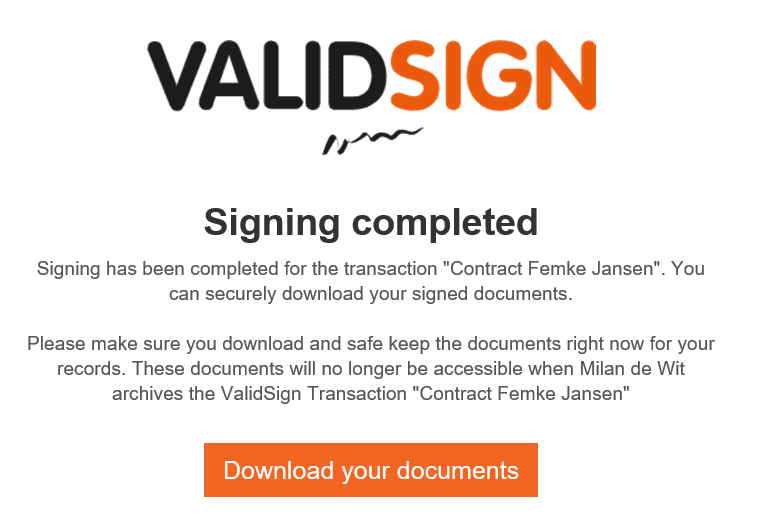
Via the button "Download your documents" you can access the signed documents and download/save them. Please note: after the sender archives the transaction, you will no longer have access to the signed documents.
Do you have questions about downloading your documents? Please contact us. This can be done via support@validsign.eu or 085 303 36 76.